
Now in private beta · iOS

An alarm you can't out-argue.

Wake Boom won't stop until you've actually done something — a math problem, a photo of your kettle, thirty shakes of your phone. Set the challenge tonight. Future-you handles the rest.

1,200+ early risers on the waitlist.
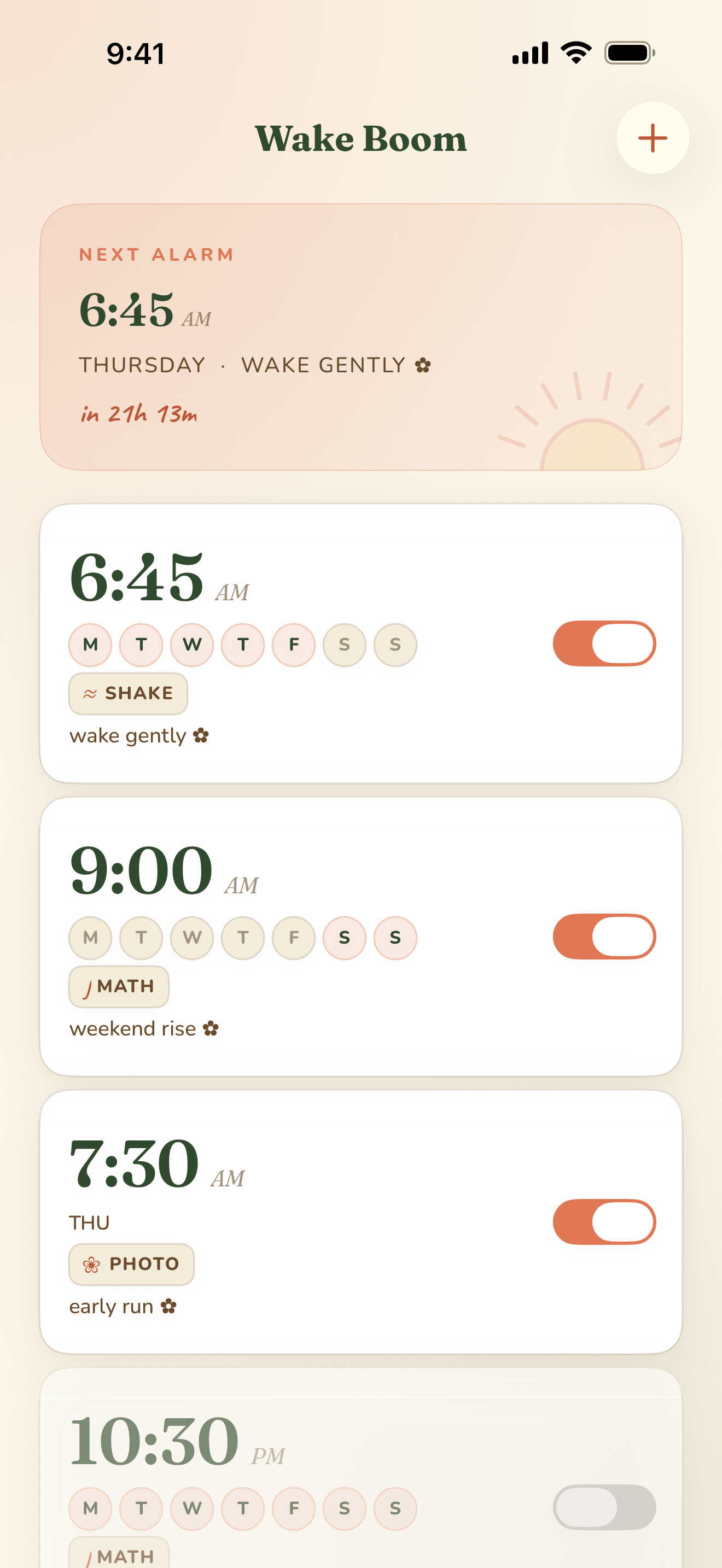
Wake Boom home screen with three named alarms.
5.0

“The first alarm I've kept on for more than a week. Once I'm doing math at 6:15 AM, I'm awake.”

Portrait of Tomas Vance.
Why Wake Boom

An alarm that holds you to last night's plan.

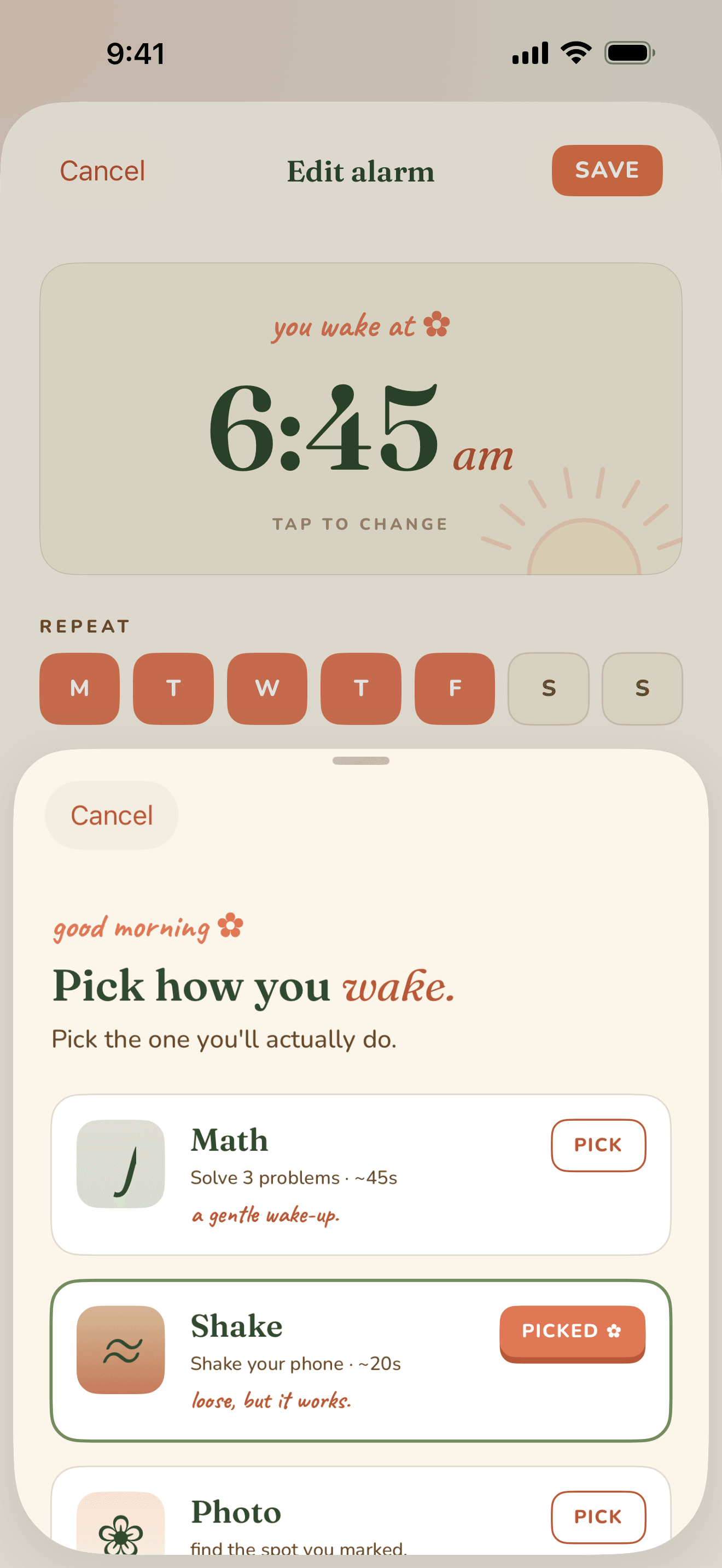
Snooze is a habit you taught yourself. Wake Boom breaks it by making the alarm impossible to dismiss without doing the thing you set. Three kinds of challenge — mix them as deep as you need.

Math problem.

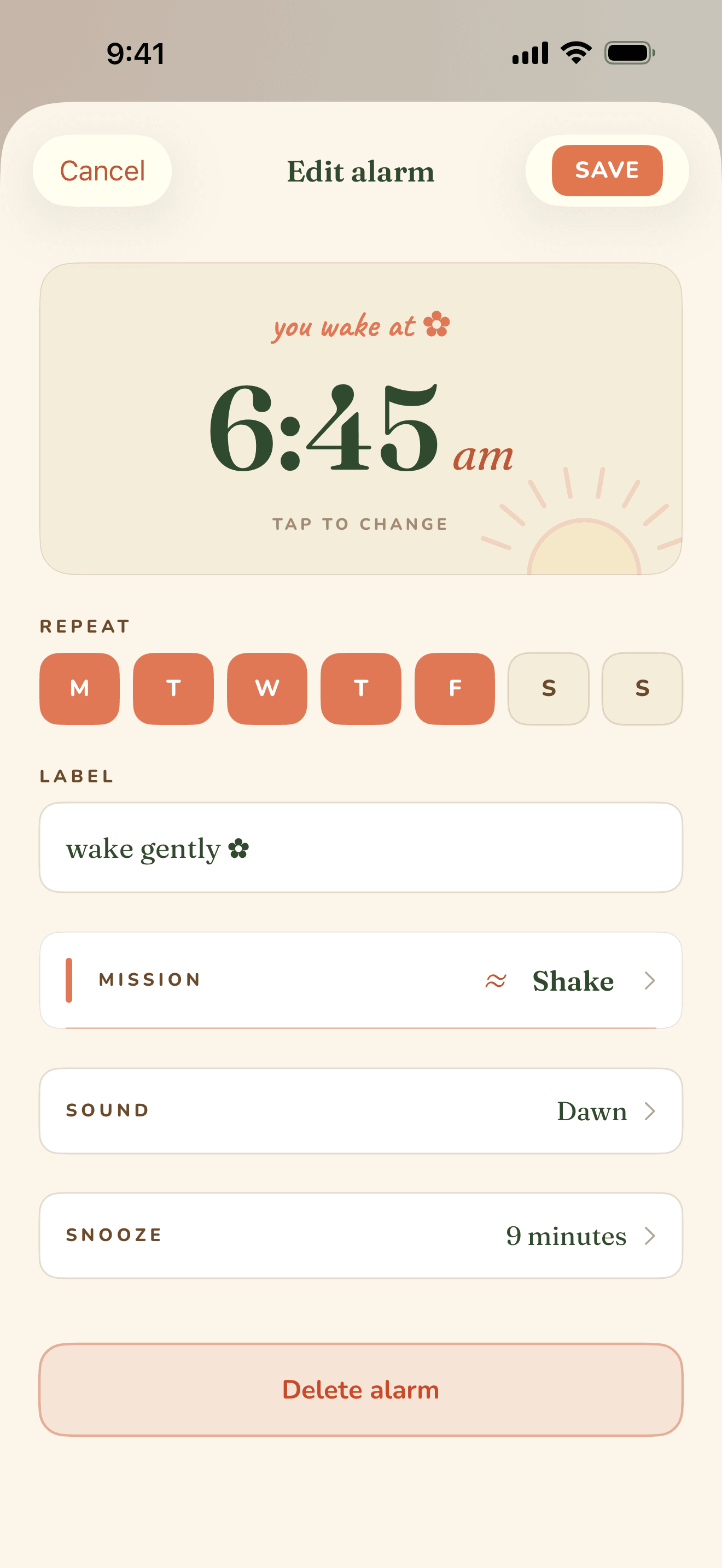
Solve to dismiss. Pick the difficulty tonight — arithmetic, sequences, or quick algebra. There's no 'easy mode' switch in the morning.

Photo of something specific.

Take a picture of an object you set the night before — your kettle, your toothbrush, your bathroom mirror. The alarm matches the photo on-device and stays silent only if you're really there.

Shake your phone.

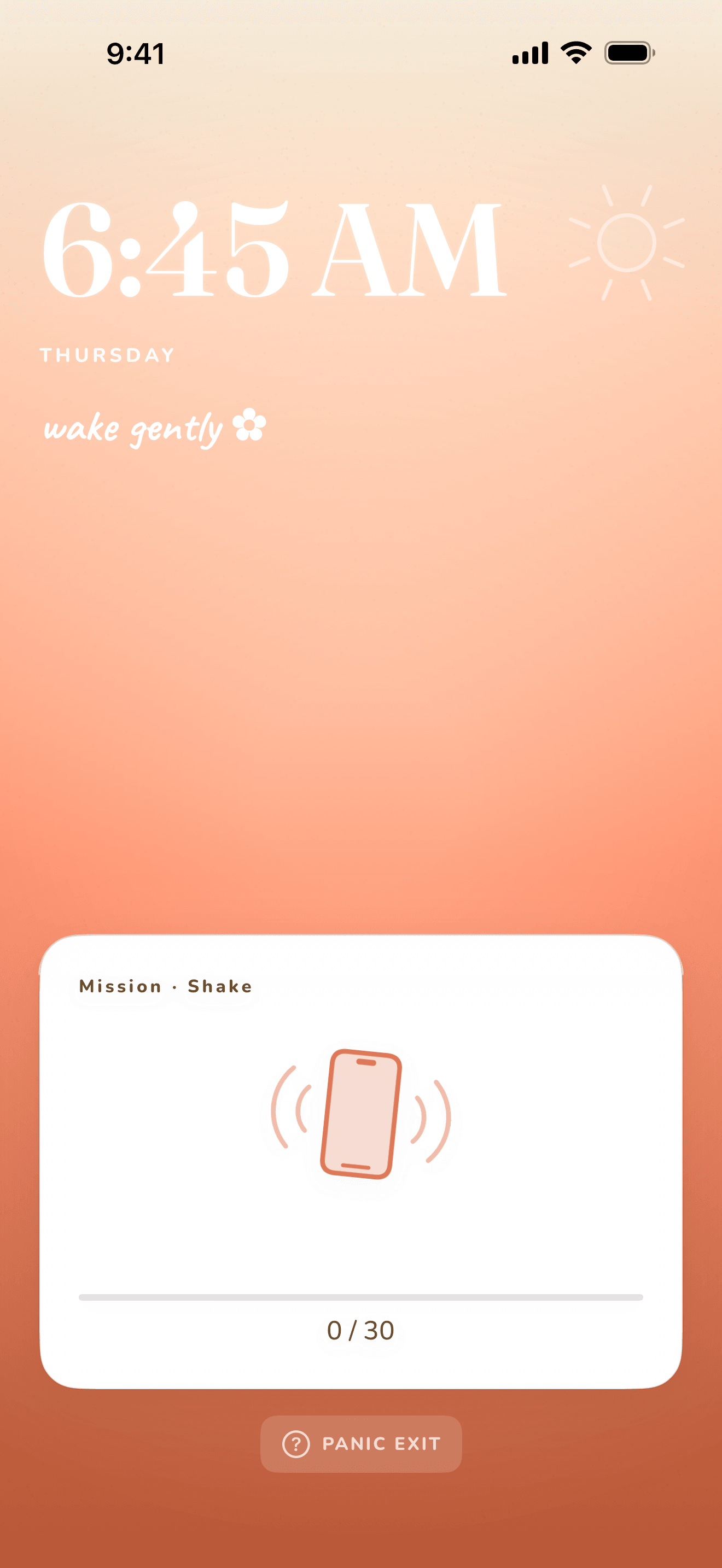
Shake until the count hits the target — defaults to thirty. Real motion only; the accelerometer ignores taps and table-bangs. A loose, awake-enough way out.

How it works

Pick the right fight for tomorrow.

Mild morning

A single, kind challenge.

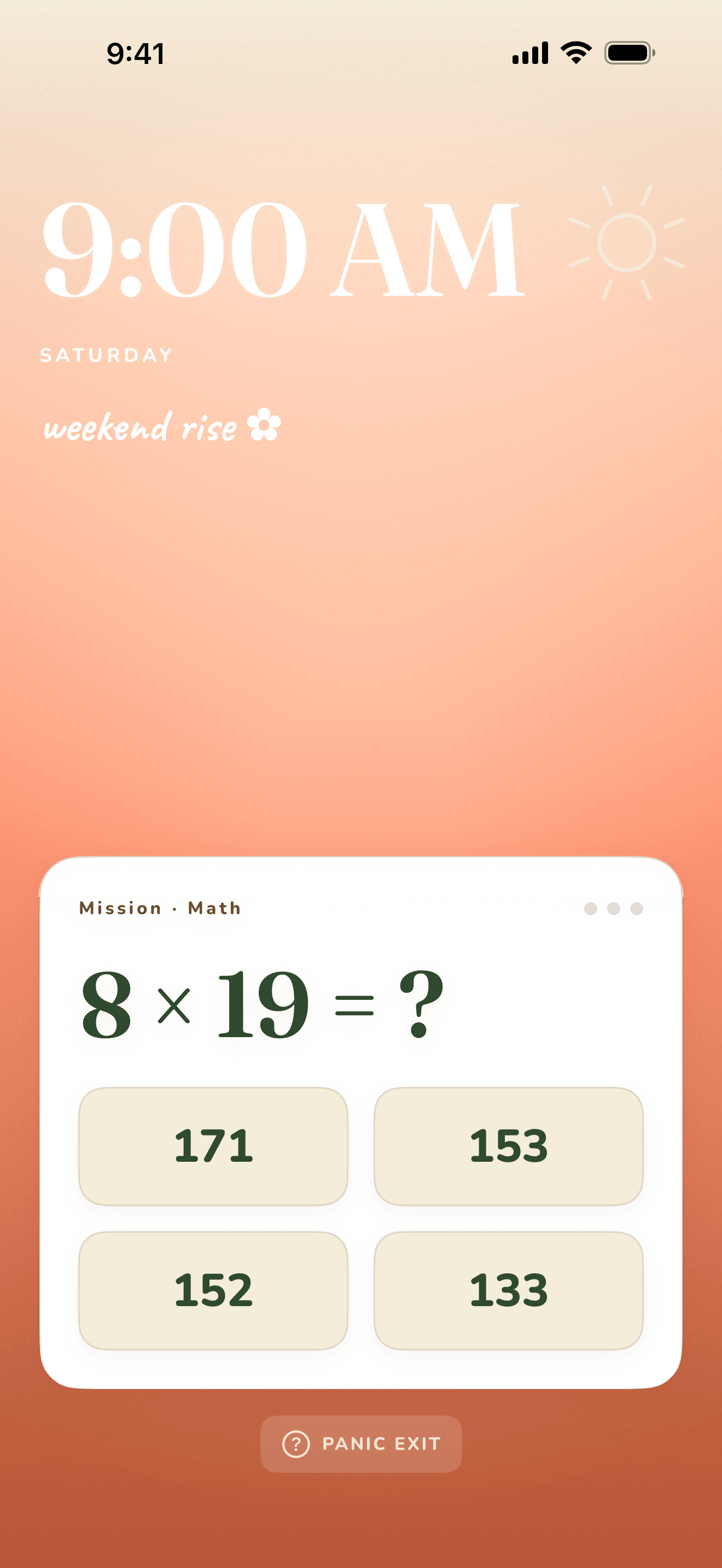
One math problem. Two-digit addition. The alarm fades in for a full minute first. Good for weekdays you went to bed on time.

Wake Boom alarm firing with a multiple-choice math problem.
What it feels like

A small ask. A clean exit.

Solve, swipe, done. Wake Boom goes quiet the moment you tap the right answer. No celebration, no streak counter. Just on with your day.

Strict morning

Challenges, stacked.

Math, then a photo of your kettle, then thirty shakes. The alarm escalates every fifteen seconds until you start. Good for early flights and the morning after.

Wake Boom alarm firing with the Shake mission.
What it feels like

Out of bed, before you finish arguing.

Math first, while you're still trying to remember which day it is. Then the camera. Then the shaking. By the time the alarm cuts, you're holding the phone and you're up.

Snoozing is a decision you made yesterday.

What we stand for

01

Craft

Every challenge was tested at 6 AM, in bed, by the people who write the code. If a math puzzle feels unfair half-asleep, it didn't ship.

02

Care

An alarm app is the first thing you touch each day. We design like that minute matters — because it sets the rest.

03

Clarity

No streaks. No badges. No nudges. One screen for tomorrow, one for today. What remains is meant to be there.

FAQ

Questions worth asking before you set it.

A short list. If yours isn't here, write to hi@solvolabs.studio — a human will reply within a day.

What if I just force-quit the app?

Wake Boom runs as a foreground service and triggers the system alarm whether the app is open or not. Force-quitting is treated the same as snoozing — the alarm keeps going, the challenge still has to be done.

I'm in a hotel. Where do I put the kettle?

Re-set the photo target the night before — anything that's visibly in the room is fair game. The matching runs on-device and never leaves your phone. If you forget to set one, the math challenge still fires.

What if I can't shake the phone that much?

Every mission is adjustable. Drop the shake count to zero, ease the math difficulty, or swap missions entirely. You won't lose the bite.

Will it really wake me up?

Yes. The alarm escalates by volume and rhythm every fifteen seconds. The challenge can't be skipped, snoozed, or postponed from the lock screen. The only way out is forward.

When does it launch?

Q3 2026 on iOS. The waitlist gets a TestFlight invite a few weeks before. Android is on the roadmap but not yet dated.

One last thing

Set an alarm you'll actually answer.

1,200+ early risers already on the waitlist.